Checks
What the accessibility, compatibility, link, message, and size checks report.
The preview checks each message when it renders. The bar under the email has a button for each check with the number of problems it found, in red when one of them is an error. Choose a check to open its results, and choose it again or press C to close them. Drag the edge between the email and the results to make them taller or shorter.
Find a problem in the email
Accessibility and Message list each problem as a row with its severity and how many times it occurs. Open a row to read what the problem means and every place it occurs, such as an element of the email or a translation key. Select one of them, or a URL in Links, to find it in the email: elements get an outline and text gets highlighted, in the subject too. Select it again to clear it.
Accessibility
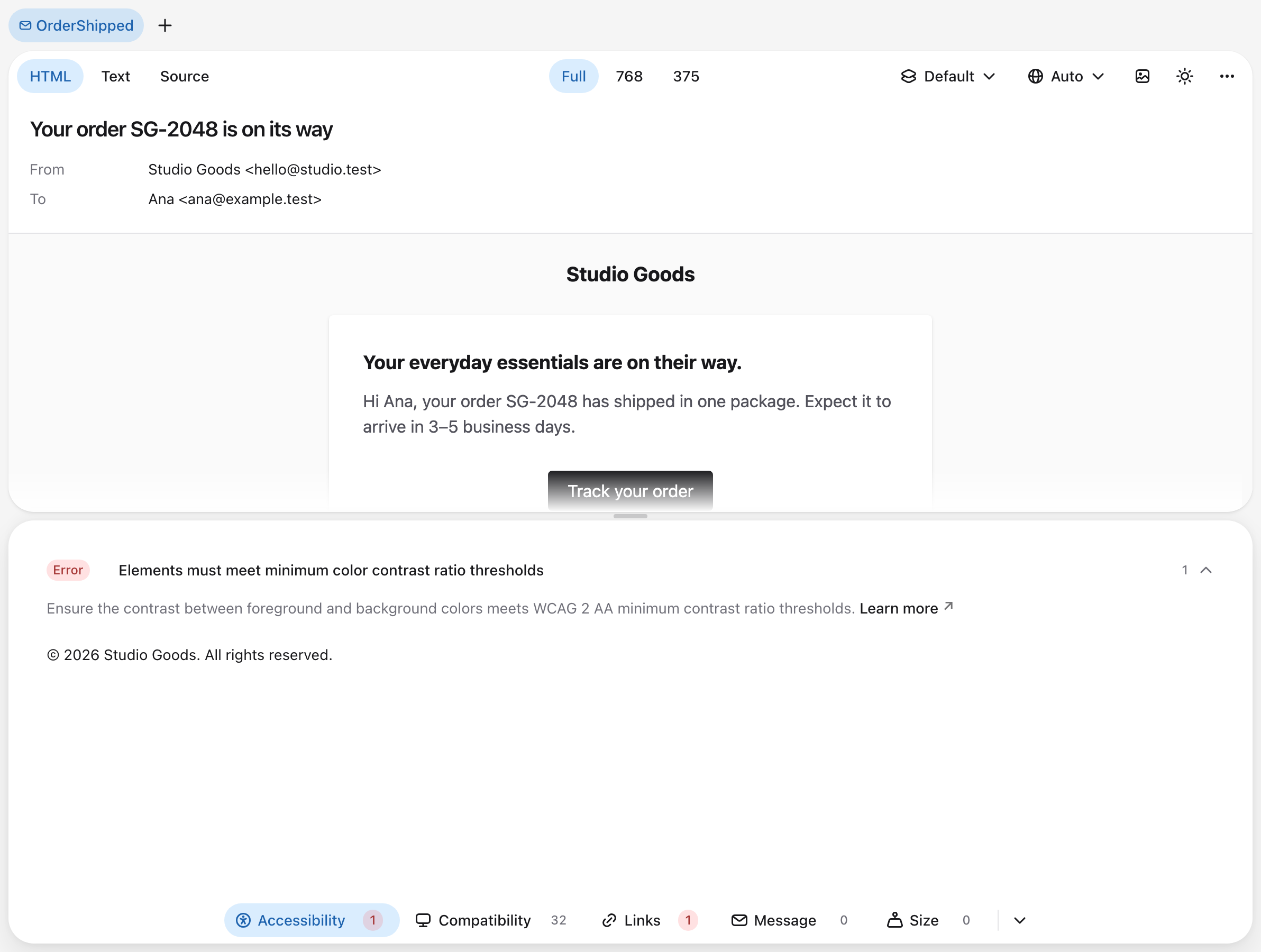
Accessibility runs axe-core on the rendered HTML with the WCAG 2.2 AA and best-practice rules, leaving out the landmark rules a message has no use for. It covers contrast, alt text, link names, heading order, the document language, and the title, among others. Critical and serious problems are errors, moderate ones are warnings, and minor ones are info.
The check reads the email in the color scheme the preview shows, so Dark mode gets its own contrast results. It runs in a hidden frame that executes none of the message's scripts and, like the preview, loads remote images only while they are not blocked.
Compatibility
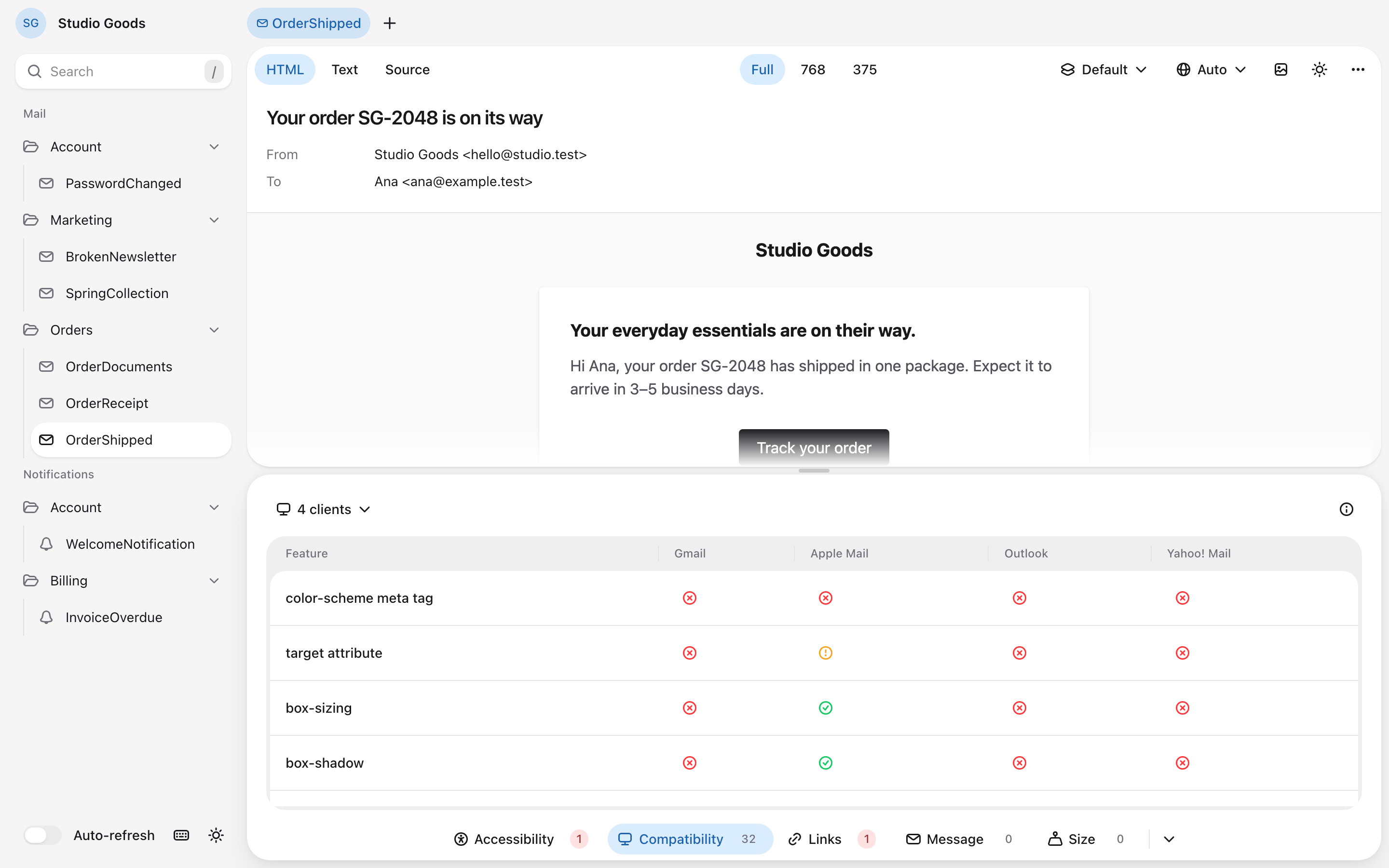
Compatibility lists the HTML and CSS features the message uses that a mail client does not support, with the platforms each one is missing on, then the features with partial support. It reads the rendered HTML with the caniemail package, so it covers Blade, Markdown, and the CSS Laravel inlines. The clients button above the table chooses the mail clients to check, starting with Gmail, Apple Mail, Outlook, and Yahoo! Mail.
Click a feature to open its page on caniemail.com, or a status for the platforms and notes behind it. No data means caniemail has no data on the feature for that client. The data ships with the package, works offline, and reflects the latest tested version of each client.
Links
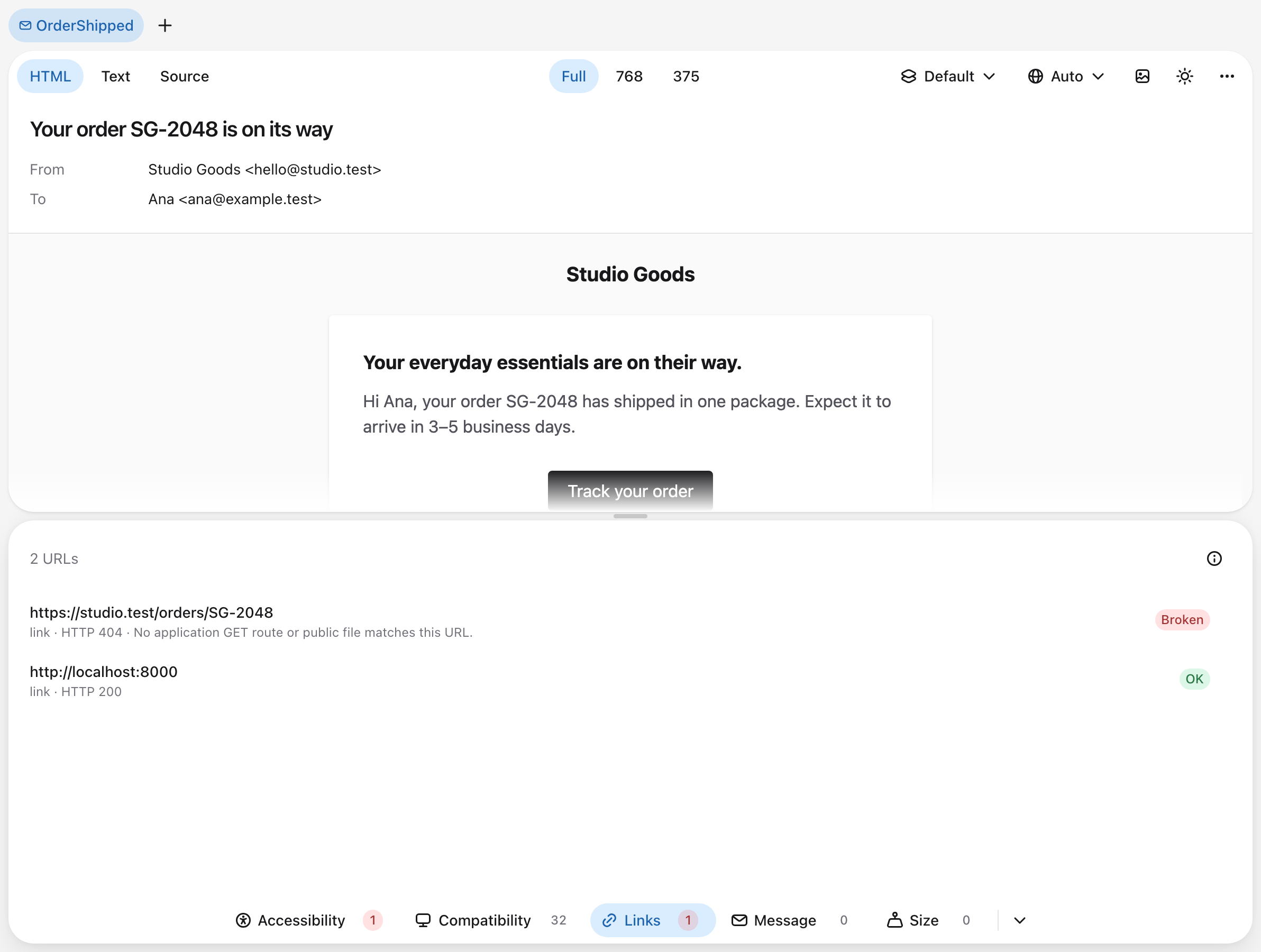
Links lists every URL of the message's links and images with its status, problems first. It checks them when the message renders and again when it changes, and Refresh checks them again.
| Status | Severity |
|---|---|
| Broken: the URL answers with an error, or no route or public file matches a link to the application. | Error |
| Unreachable: the host cannot be resolved or reached, or the URL redirects more than five times. | Error |
Relative: a link or image URL that mail clients cannot resolve, such as /orders/1. | Error |
Insecure: a link or image over plain http:// that answers, on a host other than the preview's own or a loopback host such as localhost. | Warning |
No destination: a link with an empty or # URL. | Warning |
| Redirected: the URL answers after one or more redirects. | Warning |
| Skipped: the URL is not requested, such as one on a private network. | None |
| OK: the URL answers. | None |
Links to the application and to local hosts are matched against the application's GET routes and the files in public instead of being requested, so the check never opens a signed verification, password-reset, or unsubscribe link. A matching route does not guarantee that its middleware or controller will accept the link. Security lists what the check requests and what it skips.
Message
Message lists the problems with what the message says:
| Check | Severity |
|---|---|
| Translation keys missing from the rendered locale. | Warning |
Placeholders a translation kept because no value was passed for them, such as :name. | Warning |
| HTML tags in the plain-text body. | Warning |
| A message without a plain-text body. | Info |
Selecting a key highlights the text the message shows for it, which is the fallback translation or the key itself, and selecting a placeholder highlights it in its sentence. A line with HTML tags opens the plain-text body with the line highlighted. A key the email shows only in an attribute, such as alt or title, is listed as Not shown as text and cannot be selected. Locales and translations explains which keys count as missing.
Size
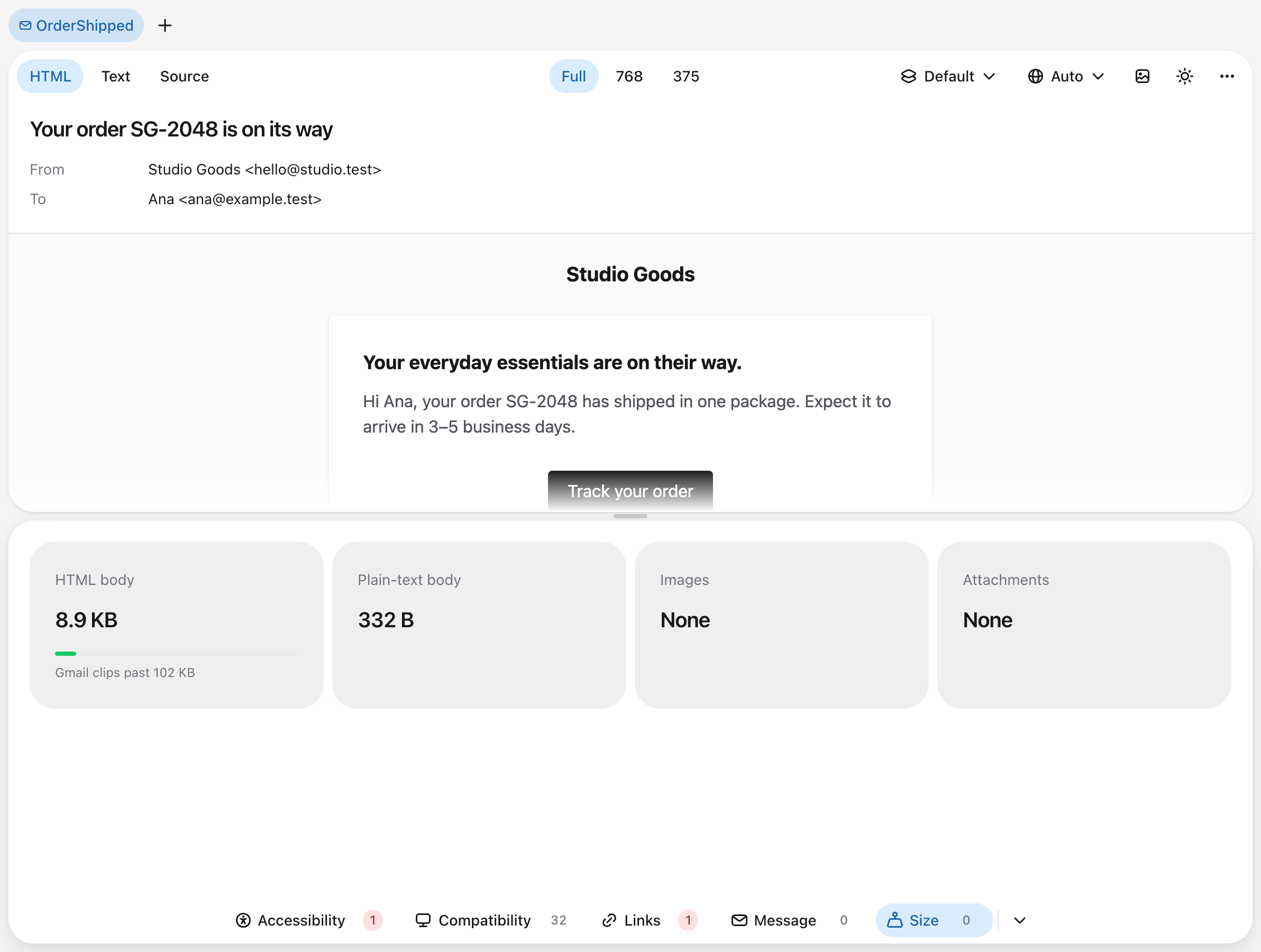
Size shows the weight of the HTML body, the plain-text body, the images, and the attachments. Gmail clips an HTML body over 102 KB, so the HTML body is measured against that limit. Images include those written into the HTML, and remote images weigh what their servers report; an image whose server reports no size counts as unknown. A part with a problem shows its status:
| Status | Severity |
|---|---|
| Clipped by Gmail: HTML over 102 KB. | Error |
| Close to the limit: HTML from 90 KB. | Warning |
| Heavy: images over 1 MB, which slow the message down on mobile data. | Warning |